Film looks and XPan for your RICOH GR.No firmware flashing.
Works with GR III, GR IIIx, and GR IV, HDF models included. GR IV Monochrome works without film looks. Download GRKit.zip and copy the files to your SD card.
Framing
Shoot XPan and other ratios. The display dims outside the frame.
More features
50 mmCrop
Crops photos to 35, 40, 50, or 70 mm, and the live view shows the crop. On GR IIIx: 50, 57, 71, or 100 mm.
Border
Adds a white or black border around each photo and keeps the whole photo.

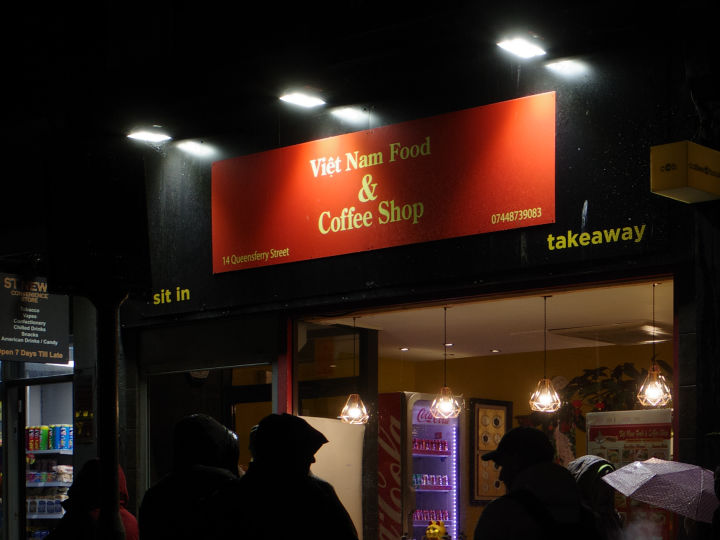
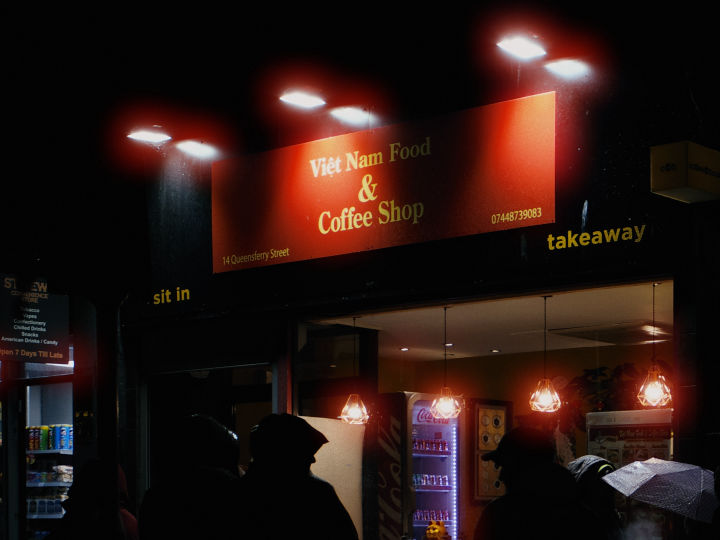
Glow
Bloom adds a soft glow to highlights. Halation adds a red-orange halo around bright lights.
Grain
The camera's own film grain.
Date Imprint
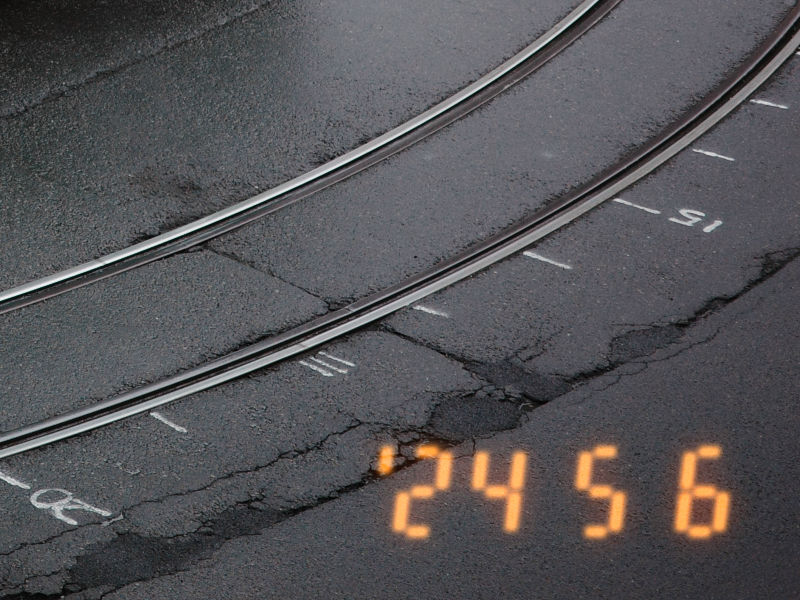
Prints the date in the bottom-right corner of photos.
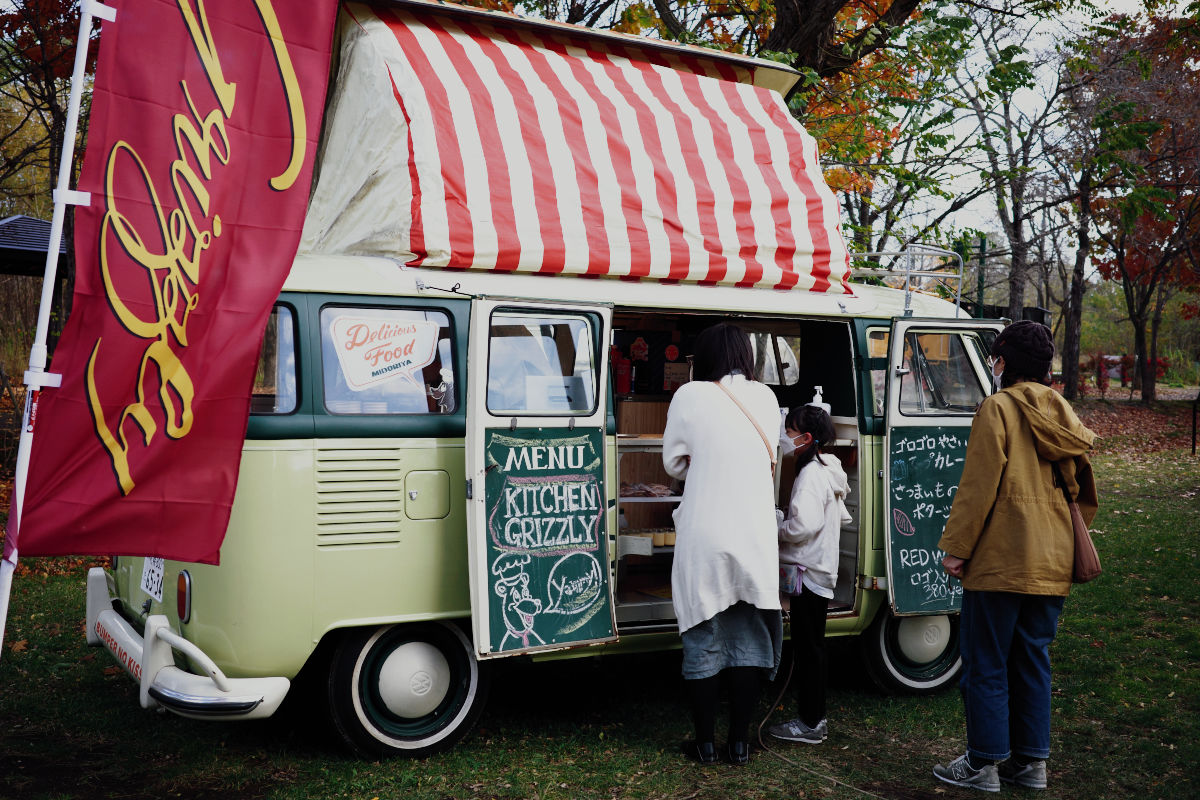 Base developmentLUT
Import a LUT
Use your own .cube LUT or Lightroom preset as a film look.
Recipes
Save a look with its camera settings as a recipe, and switch to it in one step in ADJ. Start with recipes from the community.
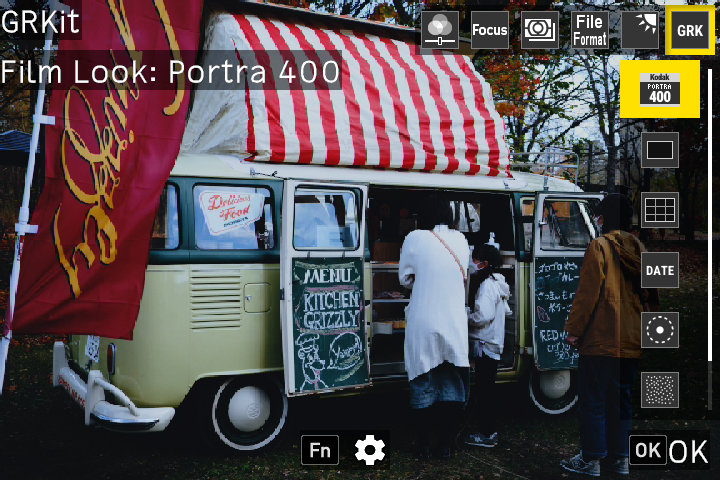
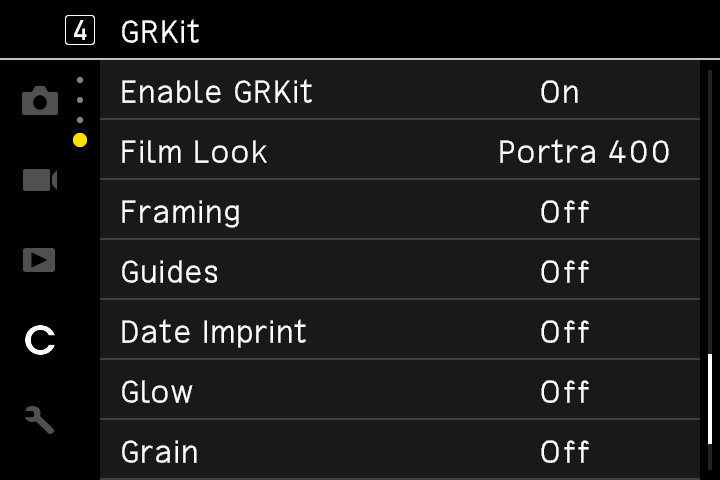
On the camera
Before you install
Is GRKit free?
Yes. GRKit is free and open source on GitHub, under the MIT License. It needs no account.
Is it safe for my camera?
GRKit loads from the SD card and does not change the firmware, unless you choose to install the optional fast-boot firmware. Take out the card, and the camera works as before. GRKit comes with no warranty.
Which cameras does it work with?
GR III, GR IIIx, GR IV, their HDF models, and GR IV Monochrome without film looks. The install page lists the supported firmware versions. Earlier GR models are not supported.
What do I need?
An SD card and a card reader. On a computer, Chrome or Edge writes GRKit straight to the card. In other browsers, download GRKit.zip and copy it to the card.
Does GRKit change my RAW files?
No. GRKit changes the JPEG. The RAW (DNG) file keeps the raw data from the camera.
Does it slow down the camera?
GRKit loads about 8 to 10 seconds after power-on. Until then, the camera uses its own settings. With the optional fast-boot firmware, it loads in one to two seconds.
How do I remove it?
Uninstall it on the install page, or delete the GRKIT and SCRIPT folders from the card. Your photos stay.
Safe to try
No firmware flashing
GRKit loads from the SD card. The firmware stays as it is.
Remove the card to go back to normal
Without the card, the camera works as it always has.
Optional fast start
GRKit loads one to two seconds after power-on. About fast start